













Snow.
Piles up on your windows.
Settles on window tops and the Dock. Drag a window and it slides off.
Left is your Mac today. Drag the handle to see it with Snowora on.
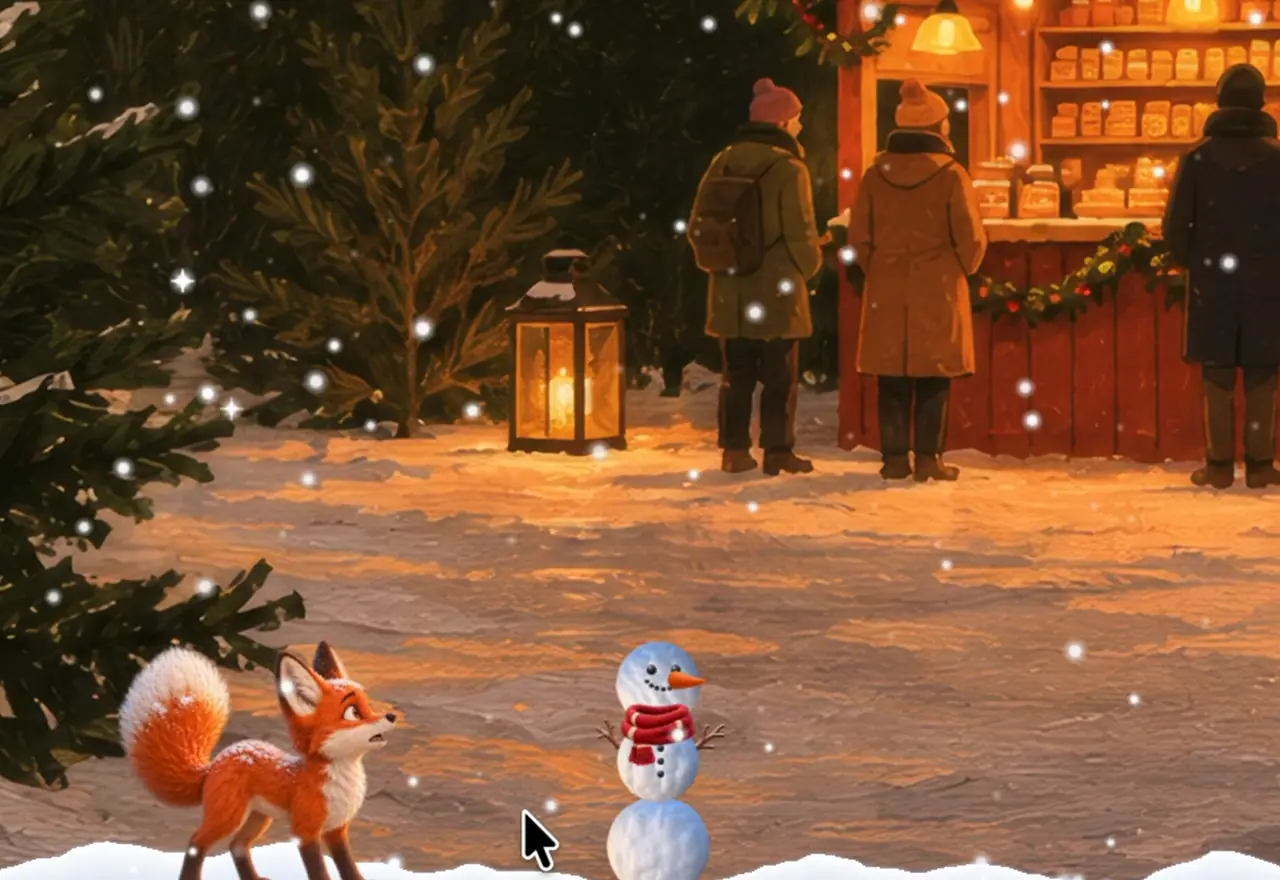
Scoop a snowball off any window, fling it across your screen, or stack three into a snowman with a scarf and a carrot nose. Shake a window and the snow flies off.
It trots along the bottom, naps in the snow and turns to watch your pointer. Pet it and little hearts float up. Leave a snowman alone too long, though, and it pounces.
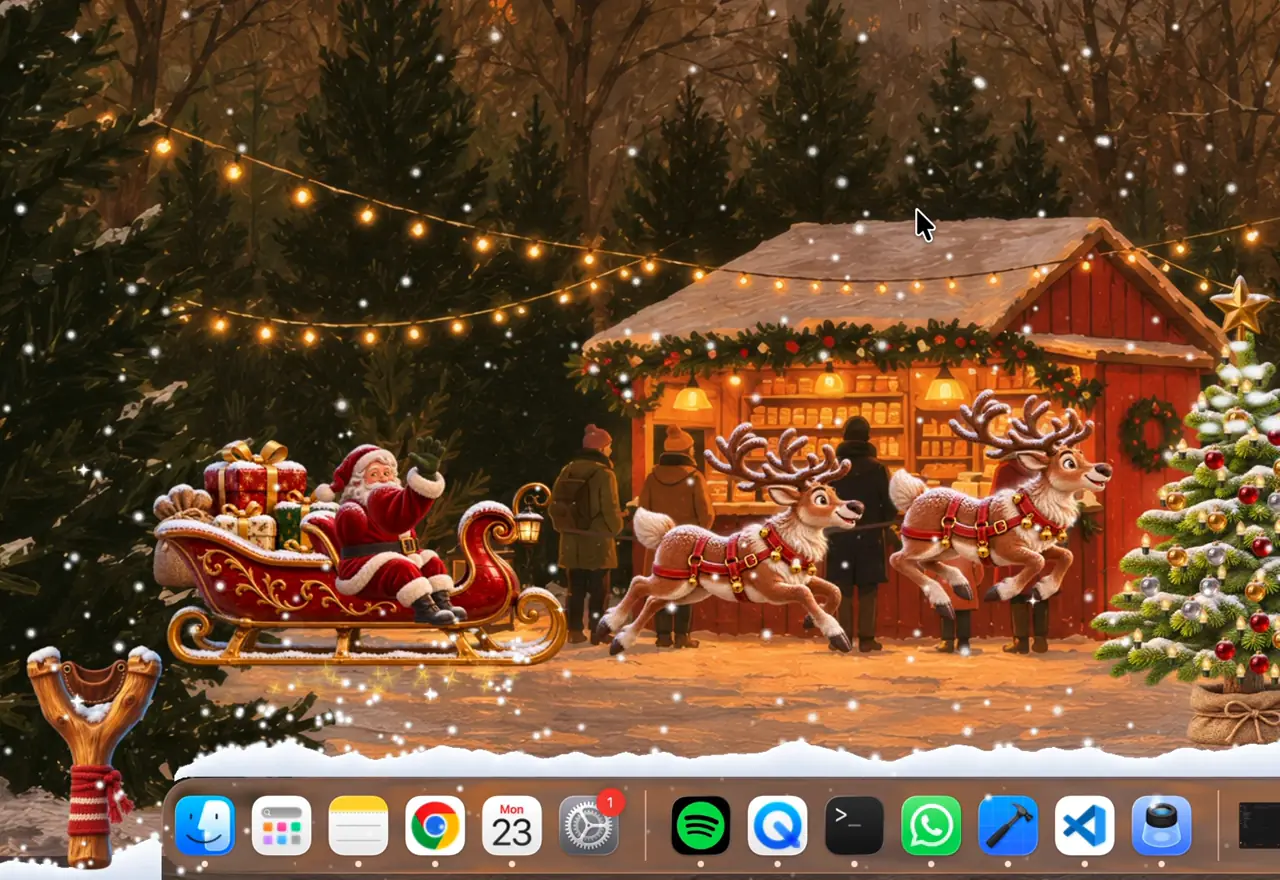
Pull back the slingshot and aim for the bells under your notch. One clean hit and Santa flies in with a gift: a letter, a wish, or a snow card to send a friend.
In the holidays his sleigh glides low across your screen, reindeer at full gallop, and leaves a gift by your Dock: one a day. Open it for a letter from Santa, or a snow card to send a friend by email. Can't wait? Call him from the menu bar.
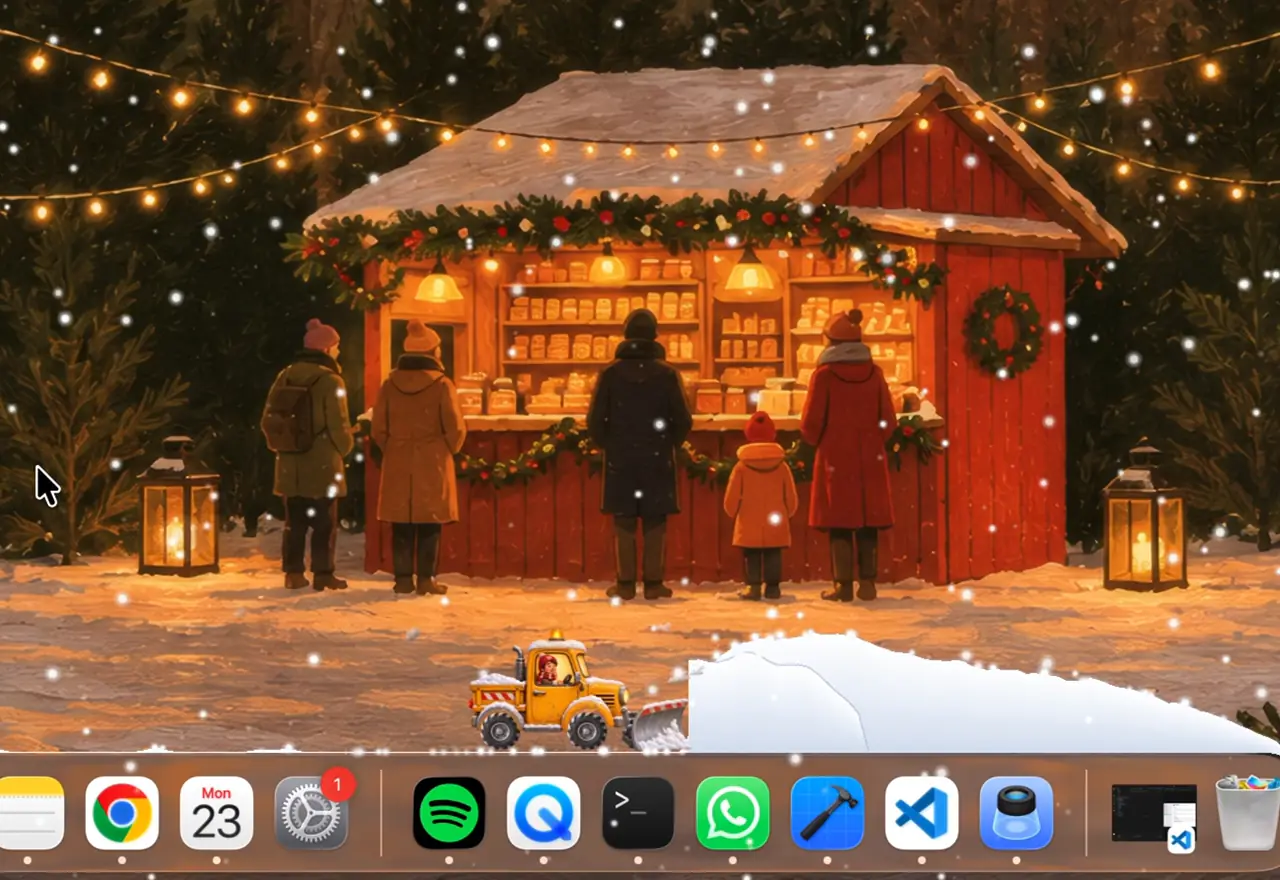
Plant up to three Christmas trees, drag them where you like and dress them in baubles, lights, bells and a star. When the snow piles up, the little snowplough rolls in, climbs onto your Dock and pushes it clear.
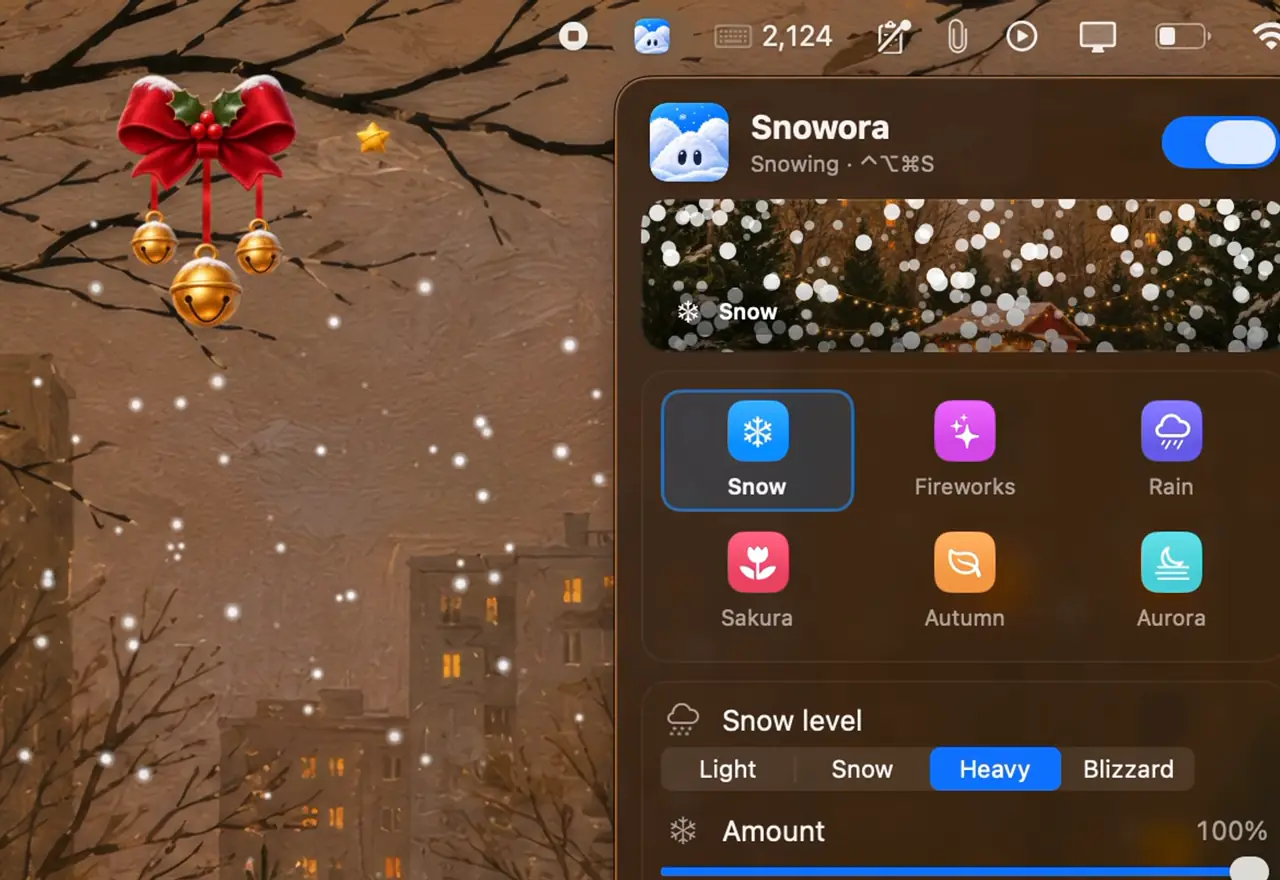
One click in the menu bar to switch the weather, set how much falls, or send out the snowmen. And the snow settles on your Dock, ready to roll into a snowball.
Settles on window tops and the Dock. Drag a window and it slides off.
Monsoon drops splash on your windows, with lightning now and then.
Autumn leaves pile up and scatter as you brush past.
Cherry blossom drifts down and rests on your windows.
Shells rise, burst into stars and fade to embers.
Painted to match every season. Pick one to see it with its weather.
$3 for one Mac, $5 for three. Your key arrives by email.
Download the app, then paste your key to unlock it.
Choose snow, rain, leaves, sakura or fireworks from the menu bar.
Every effect, every wallpaper, every update. No subscription.
Everything: all five effects (snow, rain, leaves, sakura and fireworks), the matching wallpapers and every update after. You pay once, there is no subscription.